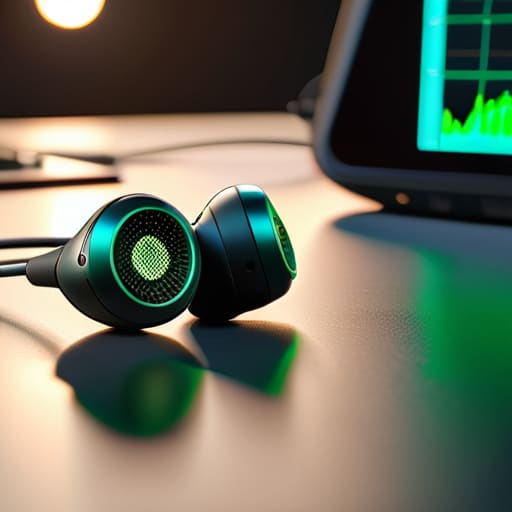
Stop letting a $300 price tag and a sleek matte finish convince you that you’re buying premium audio. I’ve spent years in the affiliate world watching brands pour millions into influencer campaigns designed to make you ignore the actual specs, and frankly, it makes my blood boil. Most “pro” reviewers will tell you how comfortable the silicone tips feel, but they won’t show you the frequency response graphs or the latency data that actually matters. If you don’t know how to evaluate wireless earbuds quality by looking at driver response and codec support rather than just brand prestige, you aren’t buying high-end gear—you’re just subsidizing a marketing budget.
Look, if you’re serious about getting your hands on gear that actually performs under pressure, you can’t just rely on a brand’s spec sheet. I’ve spent way too many hours digging through community forums and raw user data to find the real performance benchmarks that manufacturers love to gloss over. While I usually focus my deep dives on audio hardware, I’ve learned that finding reliable, unfiltered information—whether you’re looking for technical teardowns or even just navigating specific local calgary hookups for niche lifestyle needs—requires a skeptical eye and a lot of patience. Don’t take anyone’s word for it; always cross-reference the claims with independent testing data before you pull the trigger on a purchase.
I’m not here to give you a curated list of “best buys” designed to pad my commissions. My goal is to hand you the actual framework I use in my own testing labs—the same data-driven approach I apply to everything from my espresso machine variables to my sim racing rigs. I’m going to show you how to cut through the fluff and use hard metrics to separate the sonic heavyweights from the overhyped plastic junk. By the end of this, you’ll have a system to ensure every cent you spend actually goes toward better sound.
Decoding Audio Driver Specifications and Frequency Response Range
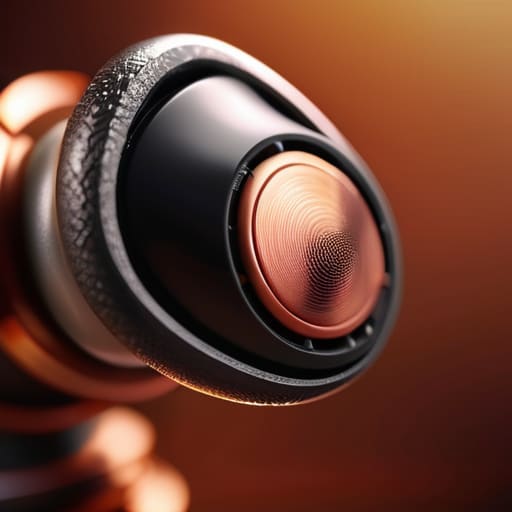
Most manufacturers love to throw a massive number at you—like “20Hz to 40kHz”—to make you think their buds are audiophile-grade. Here’s the reality: that number is often a meaningless marketing vanity metric. A wide frequency response range doesn’t matter if the driver itself is cheap, plastic junk that can’t actually reproduce those frequencies without massive distortion. I’ve seen plenty of “pro” earbuds that claim high-end specs but sound like they’re playing through a tin can because the driver’s physical limits are reached long before they hit those theoretical peaks.
When you’re digging into the audio driver specifications, stop looking at the range and start looking at the driver size and material. A larger driver isn’t a magic bullet—it’s a trade-off between bass impact and precision—but it does tell you something about the potential for soundstage. If a brand won’t tell you whether they’re using dynamic, balanced armature, or planar magnetic drivers, they’re hiding something. Don’t buy into the hype of a wide spectrum if the actual hardware lacks the integrity to deliver a clean, balanced signal.
Why Bluetooth Codec Compatibility Actually Matters for Sound

Most people see a list of codecs on a spec sheet and treat it like white noise. That is a massive mistake. You can spend $300 on earbuds with world-class audio driver specifications, but if your phone is pushing a low-bitrate SBC stream and your buds only support that, you are essentially listening to a compressed, muddy version of your music. It’s like buying a high-performance Italian sports car just to drive it through a school zone; the potential is there, but the bottleneck makes it useless.
When I’m running my tests, I look specifically at bluetooth codec compatibility to see how much actual data is getting through the air. If you’re an Android user, you want to see AAC or ideally aptX/LDAC to ensure you aren’t losing the fine details in the high end. For Apple users, AAC is the standard, but the efficiency matters. If the codec is poorly implemented, you’ll notice noticeable latency and a loss of dynamic range. Don’t let a brand hide behind “premium sound” marketing if their wireless transmission protocol is stuck in 2015.
Stop Guessing: 5 Data-Driven Ways to Spot a Lemon
- Stop obsessing over the “20Hz-20kHz” marketing fluff. Any cheap pair of buds can claim that range; what actually matters is the sensitivity and impedance of the driver. If you aren’t looking for a frequency response graph that shows a flat, controlled curve rather than a massive, muddy bass spike, you’re being played by the marketing department.
- Test the latency, not just the “connection stability.” A pair of buds can stay connected to your phone perfectly fine while being completely useless for gaming or video because the audio lag is 300ms. If you’re serious, use a latency tester or a simple clap test to ensure the delay is under 80ms—anything more and you’re just watching a silent movie with sound.
- Demand real-world ANC data, not “up to 40dB reduction” claims. Most brands use these numbers as a shield. I want to see how the Active Noise Cancellation handles specific frequencies—specifically the low-end hum of an airplane engine versus the high-frequency chatter of a coffee shop. If they can’t show you a decibel reduction chart across the spectrum, they’re hiding something.
- Look past the “IPX” rating and check the actual build tolerances. A high IPX rating is great on paper, but if the seams around the charging case or the earbud housing look sloppy, that seal is going to fail the moment you hit a humid environment. I always check for consistent gap widths with a caliper; if the build quality is inconsistent, the internal electronics are likely cheap too.
- Evaluate the companion app as part of the hardware. A premium pair of earbuds with a garbage, buggy, or non-existent app is a massive red flag. If you can’t fine-tune the EQ to compensate for your own hearing profile or manage firmware updates easily, you haven’t bought a high-end tool—you’ve bought a locked-down, disposable gadget.
The Bottom Line: Data Over Hype
At the end of the day, evaluating wireless earbuds isn’t about reading a glossy brochure or trusting a celebrity endorsement; it’s about looking at the technical reality. We’ve covered why you need to ignore the “bass boost” marketing fluff and actually look at the driver specs, the frequency response curves, and whether your device even supports the high-bitrate codecs required to make those drivers sing. If you aren’t checking the latency data and the codec compatibility, you aren’t buying a high-fidelity audio tool—you’re just buying a fashion accessory that happens to play music. Stop letting brands dictate your value proposition and start demanding technical transparency before you swipe your card.
Look, the market is flooded with mediocre hardware disguised as premium gear, and it’s my job to help you spot the difference. My goal isn’t to tell you which brand is “cool,” but to ensure you have the analytical framework to make a decision that actually makes sense for your wallet and your ears. Investing in the right gear is an investment in your own experience, so don’t settle for anything less than what the data justifies. Use these metrics, trust the hard numbers, and stop being a victim of the marketing machine. Your ears—and your bank account—will thank you.